
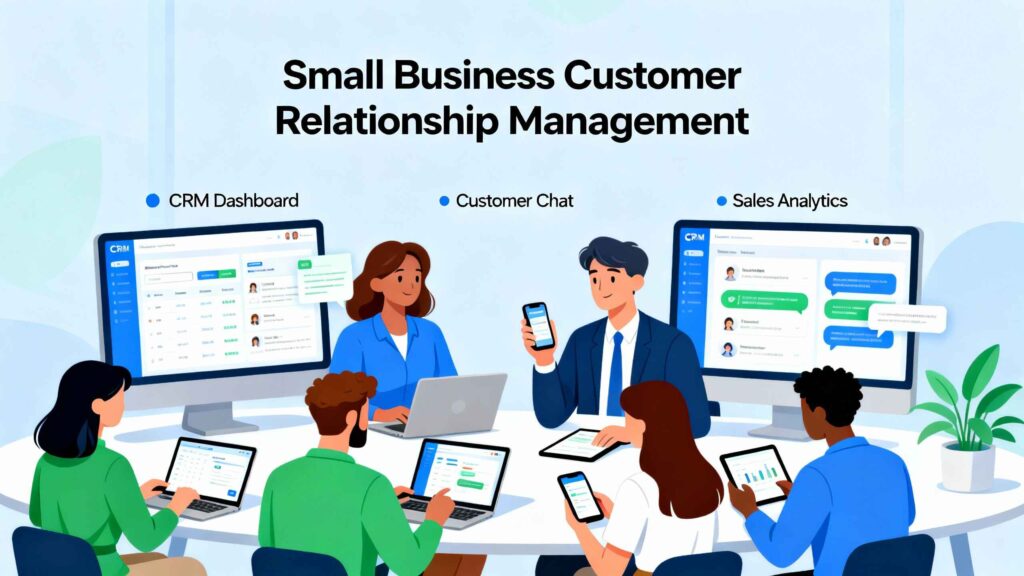
Best CRM Tools for Small Businesses (2026 Guide)
If you’re managing leads in:
- Excel sheets
- Notebooks
- Email threads
- WhatsApp messages
You don’t need more motivation.
You need a CRM.
A CRM (Customer Relationship Management tool) helps you:
- Track leads
- Manage deals
- Automate follow-ups
- Close more sales
- Organize customer communication
In this guide, we’ll compare the best CRM tools for small businesses, explain who each one is for, and help you choose confidently.
What Is a CRM and Why Small Businesses Need One
A CRM stores and organizes:
- Contact information
- Communication history
- Sales pipeline
- Tasks and reminders
- Follow-ups
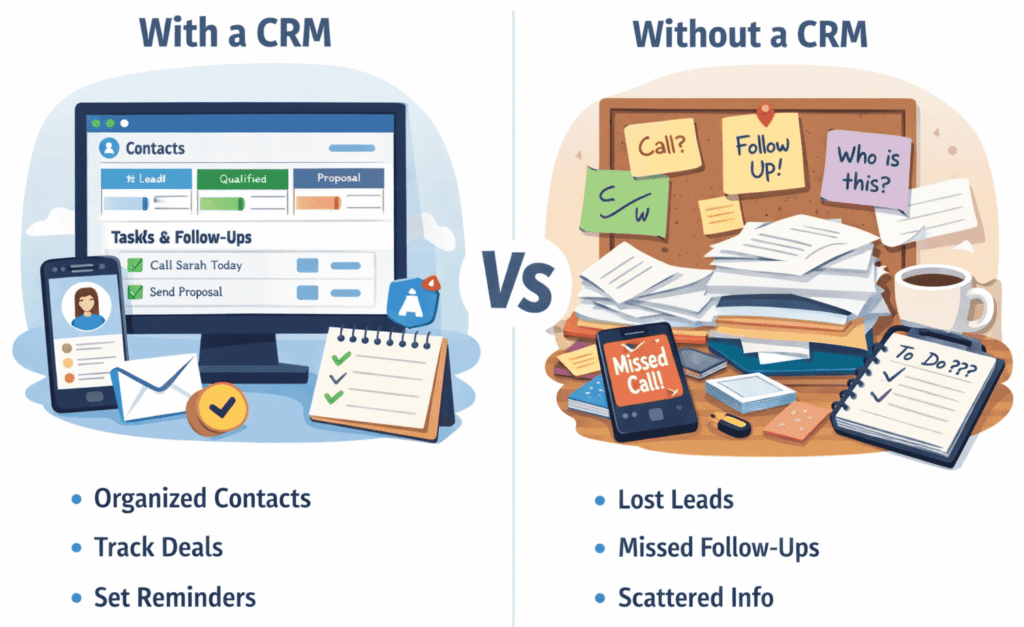
Without a CRM:
- Leads slip through cracks
- Follow-ups are forgotten
- Revenue becomes unpredictable
How to Choose the Right CRM for Your Small Business
Before picking one, ask:
- Are you solo or team-based?
- Do you need email automation?
- Do you run outbound sales?
- Do you need marketing automation?
- What’s your monthly budget?
Best CRM Tools for Small Businesses (2026)
We’ll cover:
- HubSpot CRM
- Zoho CRM
- Pipedrive
- Freshsales
- Salesforce Starter
- Close CRM
- Monday Sales CRM
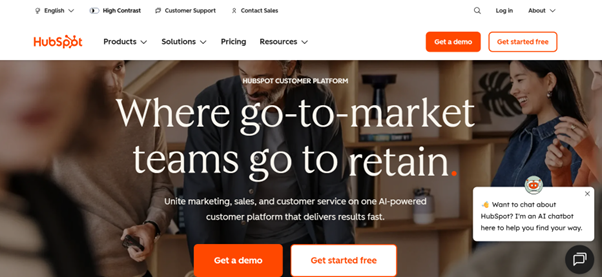
1️⃣ HubSpot CRM (Best Free CRM)
Best for:
Beginners & startups
Why it’s good:
- Free plan available
- Easy interface
- Built-in email tracking
- Marketing tools included
Pros:
- Free forever plan
- Easy onboarding
- Email tracking included
Cons:
- Paid plans get expensive
- Automation limited in free tier
2️⃣ Zoho CRM (Best Budget Option)
Best for:
Growing small businesses
Why:
- Affordable
- Customizable
- AI assistant (Zia)
Pros:
- Budget-friendly
- Strong automation
- Scalable
Cons:
- UI learning curve
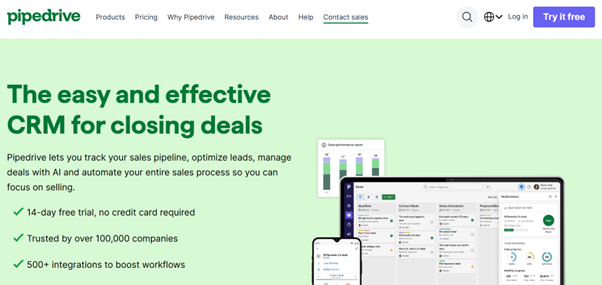
3️⃣ Pipedrive (Best for Sales Teams)
Best for:
Outbound-focused teams
Why:
- Visual pipeline
- Sales-driven design
- Easy deal tracking
4️⃣ Freshsales (Best Built-in Calling Features)
Best for:
Teams that call leads
Why:
- Built-in phone
- Email + SMS automation
- Good reporting
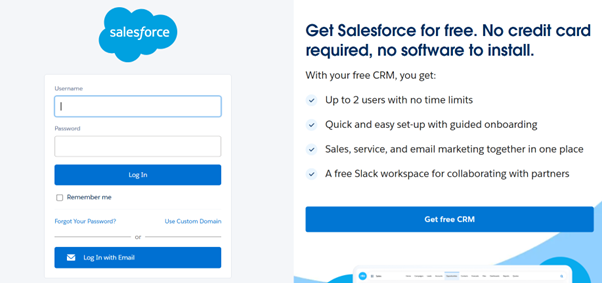
5️⃣ Salesforce Starter (Best for Future Scaling)
Best for:
Businesses planning rapid growth
Pros:
- Highly customizable
- Industry standard
Cons:
- Can be complex
Note:
Beginner users may feel overwhelmed.
6️⃣ Close CRM (Best for High-Volume Outbound)
Best for:
Lead gen agencies
Why:
- Built for cold calling
- Fast workflow
- Strong automation
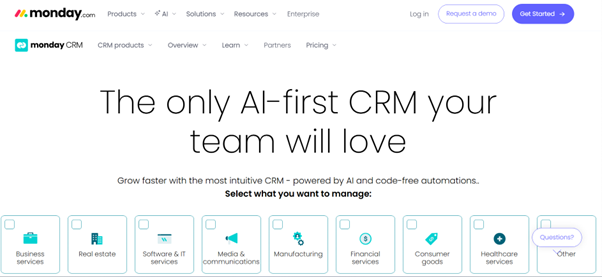
7️⃣ Monday Sales CRM (Best for Visual Teams)
Best for:
Service businesses
Why:
- Visual boards
- Simple interface
- Good integrations
CRM Comparison Table
| Tool | Best For | Starting Price | Free Plan | Automation Level | Ease of Use |
|---|---|---|---|---|---|
| HubSpot CRM | All-in-one CRM for startups & scaling SMBs | $20/month (Starter) | ✅ Yes | ⭐⭐⭐⭐⭐ Advanced | ⭐⭐⭐⭐⭐ Very Easy |
| Zoho CRM | Budget-friendly customization for small teams | $14/month (Standard) | ✅ Yes | ⭐⭐⭐⭐ Strong | ⭐⭐⭐⭐ Easy |
| Pipedrive | Sales-focused teams needing pipeline clarity | $14.90/month | ❌ No (Trial Only) | ⭐⭐⭐⭐ Sales Automation | ⭐⭐⭐⭐⭐ Very Easy |
| Freshsales (Freshworks) | AI-powered sales tracking for SMBs | $15/month | ✅ Yes | ⭐⭐⭐⭐⭐ AI Automation | ⭐⭐⭐⭐ Easy |
| Monday Sales CRM | Visual workflow + project & sales in one | $12/user/month | ❌ No (Trial Only) | ⭐⭐⭐⭐ Workflow Automation | ⭐⭐⭐⭐ Easy |
| Salesforce Essentials | Growing businesses needing enterprise-level CRM | $25/user/month | ❌ No | ⭐⭐⭐⭐⭐ Enterprise Automation | ⭐⭐⭐ Moderate |
CRM Features Small Businesses Should Prioritize
Must-Have:
- Contact management
- Deal pipeline
- Email integration
- Task reminders
Growth Features:
- Automation workflows
- Email sequences
- Reporting
- Lead scoring
Advanced:
- AI suggestions
- Revenue forecasting
How CRM Improves Cold Email & Sales Performance
CRM helps:
- Track replies
- Schedule follow-ups
- Monitor open rates
- Prevent duplicate outreach
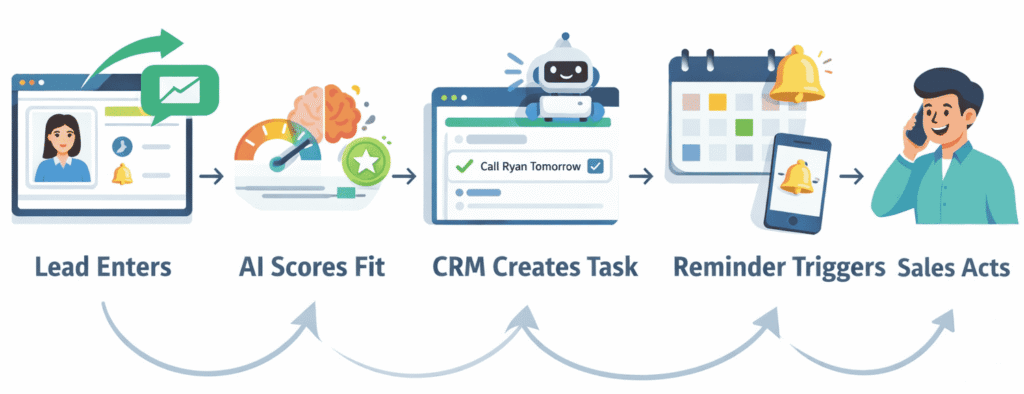
CRM + AI Automation
Modern CRMs now include:
- AI email suggestions
- Predictive lead scoring
- Automated task creation
- Smart reminders
Common CRM Mistakes Small Businesses Make
- Choosing based on hype
- Overpaying for features not used
- Not training team
- Not cleaning data
- Not setting up automation
Final Recommendation
If you are:
Solo founder → HubSpot
Budget-focused → Zoho
Sales-heavy → Pipedrive
Outbound agency → Close
Scaling startup → Salesforce Starter
FAQs:
1. What is a CRM and why do small businesses need one?
A CRM (Customer Relationship Management) system helps businesses manage leads, track customer interactions, automate follow-ups, and improve sales processes. For small businesses, it replaces spreadsheets with a centralized system that improves efficiency and revenue visibility.
2. Which CRM is best for beginners with no technical experience?
Beginner-friendly CRMs like HubSpot and Freshworks (Freshsales) offer simple dashboards, guided onboarding, and automation templates that require little to no technical setup
3. Are there free CRM tools available for small businesses?
Yes. Many providers offer free plans with essential features such as contact management, deal tracking, and email integration. Tools like Zoho and HubSpot provide strong free tiers ideal for startups validating their sales process.
4. How do I choose the right CRM for my business size?
Choose based on:
- Team size and expected growth
- Required automation level
- Integration with your existing tools
- Budget and scalability needs
For sales-heavy teams, Pipedrive is often preferred due to its visual pipeline focus.
5. Can a CRM automate follow-ups and email sequences?
Yes. Modern CRMs include automation features such as workflow triggers, lead nurturing emails, and reminders. Platforms like Monday.com and Freshsales allow businesses to automate repetitive tasks and reduce manual outreach.
6. Is CRM software expensive for small businesses?
Not necessarily. Most SMB-focused CRMs start between $12–$25 per user/month, with scalable pricing as your business grows. Many also offer free trials so you can test before committing.
7. What features should a small business look for in a CRM in 2026?
Key features to prioritize:
- AI-driven insights and lead scoring
- Email and calendar integration
- Sales pipeline visualization
- Workflow automation
- Reporting dashboards
- Mobile access for remote teams
8. Can CRM tools integrate with marketing and support tools?
Yes. Most CRMs integrate with email marketing platforms, website forms, analytics tools, and helpdesk systems, creating a unified customer journey from lead to retention.
9. Is Salesforce too complex for small businesses?
While Salesforce is known for enterprise use, its Essentials and SMB-focused plans provide powerful customization for growing businesses that need advanced scalability.
10. How long does it take to implement a CRM system?
Most small businesses can get started within a few hours using pre-built templates. Full optimization (automation, integrations, reporting) typically takes 1–2 weeks depending on workflow complexity.