
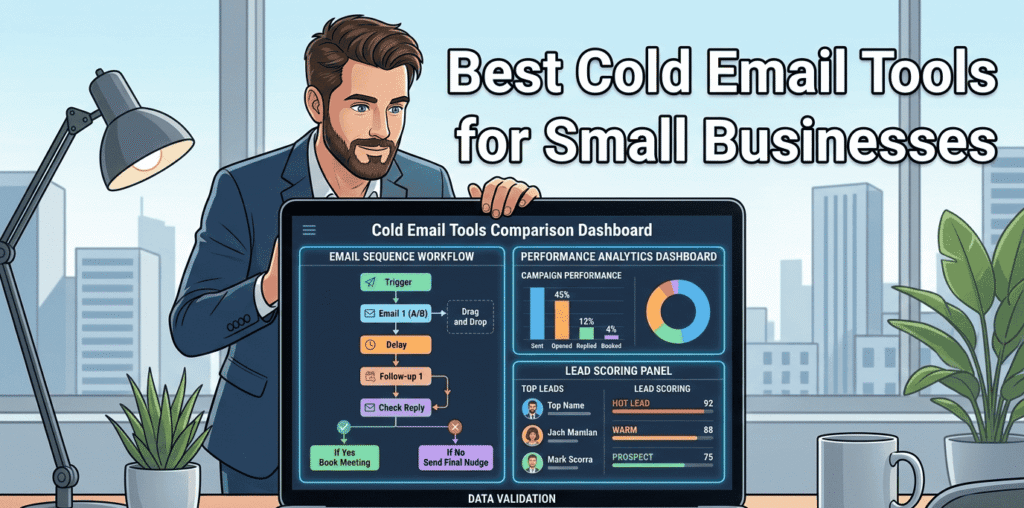
Best Cold Email Tools for Small Businesses
Cold email is one of the most effective strategies for small business growth when done right.
But sending generic emails doesn’t work — inboxes are crowded and attention spans are short.
That’s why choosing the right cold email tool matters.
In this guide, we’ll cover the best cold email tools for small businesses, what features matter most, and how to choose the perfect solution for your budget, workflow, and growth goals.
Why Small Businesses Need Cold Email Tools
Cold email can:
- Generate qualified leads
- Book meetings consistently
- Personalize outreach at scale
- Track replies and engagement
- Automate follow-ups
Small teams benefit from tools that do the heavy lifting so they can focus on conversations and closing deals.
But not all tools are built the same — some are designed for volume, others for deliverability, others for personalization.
Let’s dive into the best options you should consider in 2026.
What to Look for in a Cold Email Tool
Before we review the tools, here are the core features that matter:
🔹 Email Deliverability Management
Tools should help:
- Warm up new domains
- Track spam complaints
- Rotate sending IPs
- Monitor deliverability
Without this, even great copy won’t get opens.
To improve your results, we recommend reading our detailed Email Deliverability Guide.
🔹 Personalization at Scale
The ability to insert:
- First names
- Company names
- Industry specifics
- Pain-point templates
Personalization boosts reply rates dramatically.
🔹 Automation & Follow-Ups
Good tools automatically send follow-ups based on:
- Opens
- Replies
- No replies
This saves hours and stops leads from slipping through.
🔹 Analytics & Reporting
You want to know:
- Open rates
- Reply rates
- Best performing sequences
- Heatmaps of engagement
Knowledge = optimization.
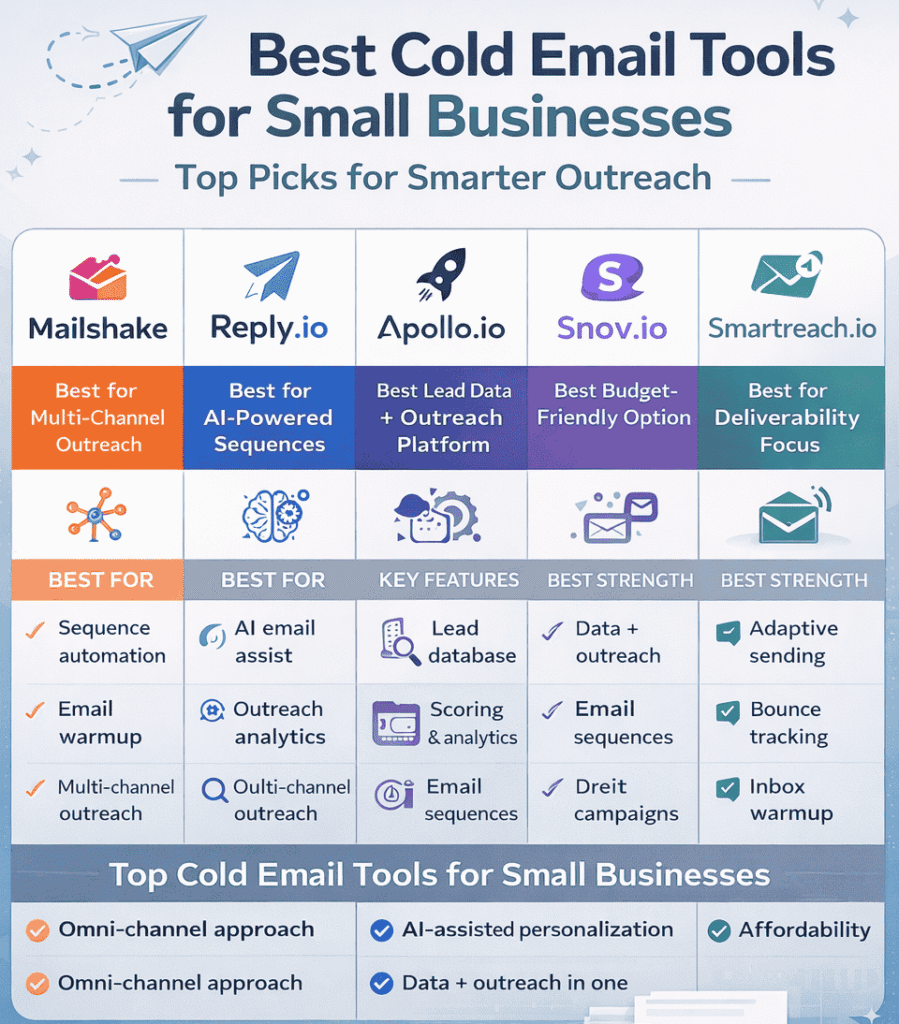
Top Cold Email Tools for Small Businesses
Below are the top tools used by small teams in 2026, organized by strength:
1. Mailshake – Best All-Around Cold Email + Multi-Channel Outreach
Overview:
Mailshake combines cold email with social outreach and automation.
Best for:
Small sales teams, digital agencies, founders doing outreach
Key features:
- Sequence automation
- A/B testing
- Follow-up triggers
- Built-in email warmup
- SMS + LinkedIn outreach
Why it’s great:
Mailshake is simple, powerful, and constantly updated with engagement-focused features.
2. Reply.io – Best for AI-Powered Email & Sales Sequences
Overview:
Reply uses AI to help write better emails and automate sequences.
Best for:
Teams who want AI assistance in personalization
Key features:
- AI subject line and email generation
- Multi-channel sequences
- Outreach analytics
- CRM integrations
Why it’s great:
Reply removes the heavy lifting from writing cold emails while still maintaining authenticity.
3. Apollo.io – Best for Lead Data + Outreach in One Platform
Overview:
Apollo combines a massive contact database with cold email automation.
Best for:
Small businesses that want lead sourcing + outreach in one tool
Key features:
- Built-in lead generation database
- Email sequences
- Analytics and scoring
- CRM sync
Why it’s great:
You don’t need a separate lead list — Apollo gives you both data and outreach.
4. Snov.io – Best for Budget-Friendly Cold Email Tool
Overview:
Snov.io is affordable and feature-rich, perfect for small teams.
Best for:
Budget-conscious startups and freelancers
Key features:
- Email finder
- Email verification
- Automated drip campaigns
- API access
Why it’s great:
You get full cold email capabilities without breaking the bank.
5. Smartreach.io – Best for Deliverability & Inbox Placement
Overview:
Smartreach.io focuses on helping messages land in the inbox.
Best for:
Small businesses that struggle with spam filters
Key features:
- Adaptive sending
- Warm-up automation
- Domain warmup
- Bounce tracking
Why it’s great:
Smartreach protects your sender reputation and ensures better inbox placement.
How to Choose the Best Tool for Your Business
Choosing isn’t about popularity — it’s about fit.
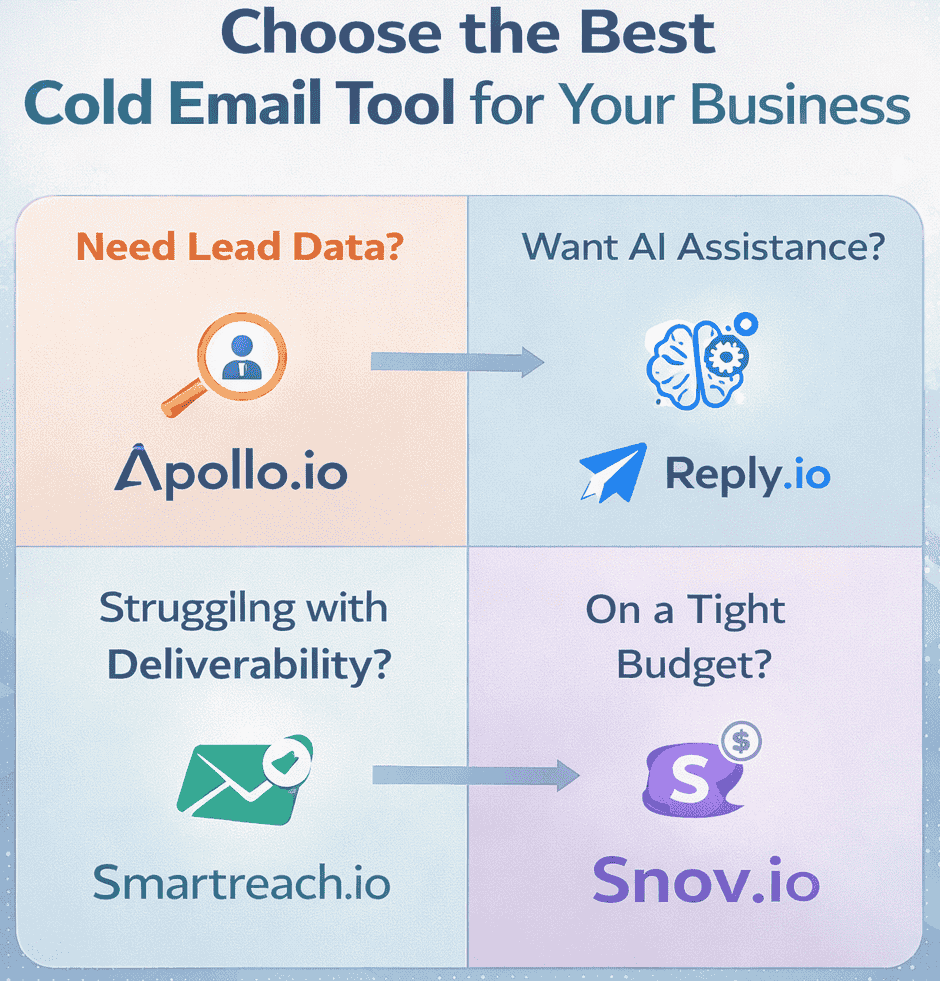
Here’s a simple selection guide:
🎯 If you need lead data & outreach together → choose Apollo
✍️ If you want AI-assisted writing → choose Reply.io
📈 If your focus is deliverability → choose Smartreach
🤝 If you want multi-channel outreach → choose Mailshake
💸 If budget matters most → choose Snov.io
Cold Email Best Practices for Small Businesses
Tools help… but strategy wins.
✔ Warm up your domain before sending bulk emails
This ensures inbox placement and protects reputation.
To ensure proper configuration, check out our full Email Deliverability Setup Guide
✔ Personalize beyond first name
Templates that reference industry, pain points, or role perform better.
✔ Track replies and optimize sequences
Don’t set and forget — adjust based on analytics.
Common Mistakes to Avoid
❌ Automating before validating messaging
❌ Sending too many follow-ups too fast
❌ Ignoring deliverability fundamentals
❌ Using one generic template
Frequently Asked Questions (FAQs)
1️⃣ What is the best cold email tool for small businesses?
The best cold email tool depends on your needs.
If you want built-in lead data, Apollo.io is strong.
For AI-powered writing, Reply.io works well.
If deliverability is your top concern, Smartreach.io is a solid choice.
Small businesses should choose tools based on budget, automation features, and ease of use.
2️⃣ Are cold email tools legal to use?
Yes, cold email tools are legal when used responsibly and in compliance with regulations like CAN-SPAM (US) or GDPR (EU).
To stay compliant:
- Avoid misleading subject lines
- Provide an opt-out option
- Target relevant business contacts
- Do not send mass spam emails
Responsible outreach is key.
3️⃣ How many cold emails can a small business send per day?
For new domains, start with 20–30 emails per day and gradually increase after proper domain warm-up.
Established domains can send 100–200 emails per day depending on reputation.
Always prioritize deliverability over volume.
4️⃣ Do cold email tools improve response rates?
Cold email tools don’t automatically improve response rates — strategy does.
However, they help by:
- Automating follow-ups
- Personalizing at scale
- Tracking performance
- Optimizing timing
When used correctly, they significantly increase efficiency and consistency.
5️⃣ What features should I look for in a cold email tool?
Small businesses should prioritize:
- Email automation & sequences
- Personalization variables
- Deliverability monitoring
- Analytics & reporting
- CRM integration
Without these features, scaling outreach becomes difficult.
6️⃣ Is Gmail enough for cold email outreach?
Gmail alone is not ideal for scaling cold outreach.
It lacks automation, analytics, warm-up management, and sequence control.
Cold email tools connect to Gmail but provide structured automation and tracking.
7️⃣ How much do cold email tools cost?
Most cold email tools range between $30 to $100 per month per user.
Pricing depends on:
- Email volume
- Features included
- Multi-channel support
- AI capabilities
Small businesses should choose tools based on ROI potential, not just price.
8️⃣ What is the difference between email marketing and cold email?
Email marketing targets existing subscribers who opted in.
Cold email targets new prospects who have not interacted before.
Cold email focuses on:
- Lead generation
- Direct outreach
- B2B prospecting
Email marketing focuses on nurturing existing audiences.
9️⃣ Can AI help improve cold email campaigns?
Yes. AI can:
- Generate subject lines
- Personalize messaging
- Analyze reply behavior
- Predict engagement patterns
AI improves efficiency, but human strategy is still essential for relevance and authenticity.
🔟 What is the biggest mistake small businesses make with cold email?
The biggest mistake is automating before validating the message.
Other common mistakes:
- Skipping domain warm-up
- Sending too many emails too fast
- Using generic templates
- Ignoring analytics
Cold email success depends on clarity, testing, and optimization.